How to Check-in with Ryanair
Ryanair check-in made easy: online, in the app or at the airport, with the key timings in one place.

Ryanair check-in at a glance
You can check in on the official Ryanair website, in the Ryanair app, or at a staffed check-in desk at the airport. Online and app check-in are the quickest routes if you want your boarding pass on your phone. Desks at the airport are there when online check-in is not possible or you need in-person help.
Online/app check-in: Opens up to 60 days before departure if you reserved seats, or from 24 hours before if seats are assigned randomly. It closes 2 hours before departure.
Airport desk check-in: Desks open from around 2 hours before departure and close 40 minutes before departure.
If you choose to check in at the airport desk rather than online or in the app, Ryanair applies an extra charge. Checking in before travel avoids that cost.
Prefer not to watch the clock? The eDreams app can handle check-in for you and deliver your boarding pass when it is ready. See the tab below for how it works.
Keep in mind that Ryanair's check-in procedures and conditions can change over time. If you have any questions, we recommend contacting Ryanair directly to make sure you have the most current information.
Your Ryanair check-in options
Pick the route that fits your trip. All options lead to a boarding pass.
Go to the airline’s official website and select My Bookings, or open the Ryanair app. Retrieve your trip with your booking details.
Enter or confirm passport and any required information for each traveler. If a visa or document check is needed, follow the prompts.
Choose paid seats if you want to sit together early, or accept random seats when check-in opens.
Confirm each traveler when check-in is available for your flight. If you are on a return, repeat for the second leg when it opens.
Download a PDF or add the pass to your phone wallet. A few airports do not support mobile passes, so print at home or collect a paper pass at the airport if the app does not issue one.
Hand luggage only: go straight to Security. Checking a bag: go to Bag Drop and keep an eye on the desk closing time in the table below.
Aim to reach the terminal early so you can check in, drop bags and clear Security without rushing.
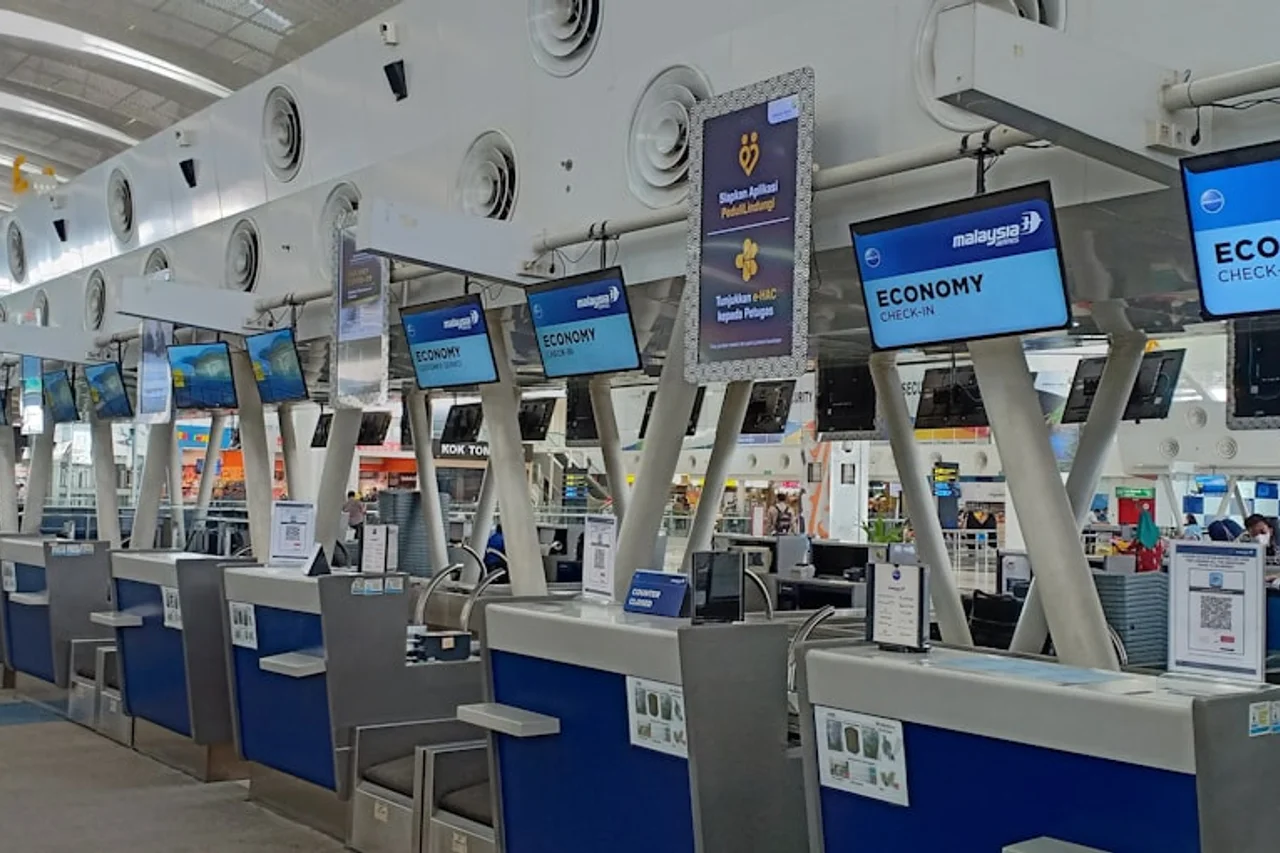
Follow signs or the departure boards to the airline’s check-in zone and queue for your flight.
Keep passports and any required visas together. If the app asked for extra checks, the agent completes them here.
Place luggage on the scale. The agent will tag it and confirm weight limits before sending it to the hold.
Take your boarding pass and baggage receipt, then go straight to Security and on to your gate.
Your Ryanair booking appears in the eDreams app after purchase or import. Tap the trip to view details.
Authorize eDreams to check you in as soon as the airline opens the window for your flight.
You do not need to track the window. The app handles it and completes check-in when eligible.
When check-in is done, your pass appears in the eDreams app. You can also download it to your wallet.
On the small number of routes that require you to check in directly with the airline, the app will let you know in time to do it yourself.
Hand luggage only: go to Security. With bags: go to Bag Drop before the desk closing time shown below.
Ryanair check-in step by step
Choose the route that suits you, then follow these simple steps.
| Stage | All flights |
|---|---|
| Online/app check-in opens (with reserved seats) | Up to 60 days before departure |
| Online/app check-in opens (random seats) | 24 hours before departure |
| Online/app check-in closes | 2 hours before departure |
| Check-in desks open | About 2 hours before departure |
| Check-in and Bag Drop close | 40 minutes before departure |
| Gate closing | 30 minutes before departure |
Ryanair check-in deadlines
Typical timings for Ryanair-operated flights. Always confirm the exact times for your booking on the airline’s official website or in the app.
If online check-in fails
First, try the Ryanair app as well as the website, and double-check names match your ID exactly. Clearing the app cache or updating the app often fixes stalled check-ins.
If you still cannot complete it before the online deadline, go to the airline’s check-in desk at the airport as soon as you arrive. The agent can complete the process and issue your boarding pass if your documents are in order.
Documents and visa checks
Some routes require an extra document or visa check. The Ryanair app may prompt you to verify before check-in, or you may be asked to visit the check-in desk.
Traveling with children or on non‑EU passports can add steps, so keep passports, visas and consent letters together and allow extra time at the airport in case the desk needs to review them.
Frequently Asked Questions
It opens far in advance if you reserved seats and closer to departure if you did not. See the table above for the exact windows and closing times.
Usually no. Mobile passes work on most routes, but a few departures still need a paper pass. If the app does not issue a mobile pass, print at home or collect one at the airport.
Yes. Turn on automatic check-in in the eDreams app and we will check you in when the airline opens the window, then send the boarding pass to your phone. If a route is not supported, we notify you so you can check in directly instead.
Go straight to the airline’s check-in desk at the airport. If you did not check in online in time, the airline may apply a desk check-in fee.
Yes. You can check in everyone on the same booking in one go. If someone’s pass is not issued on mobile, print their pass or collect it at the airport.
Often yes, but using the actual pass in the airline or wallet app scans faster at Security and the gate. Keep a PDF or print as a backup if your phone battery is low.
Be at the gate well before it closes. Use the deadline in the table above and follow airport screens in case your gate is a long walk.
Usually yes, if seats are available. Paid seat moves are common; free changes depend on your fare and what is left when you check in.
Kiosks at many airports print bag tags or reprint boarding passes, but you generally complete check-in on the website, in the app or at a staffed desk.
Carry the passport or ID accepted for your route, any required visas, and documents for children where applicable. Keep them together to speed up any checks.
Extra guidance that saves time
Compare fares and get your next Ryanair trip booked in minutes.
Search Ryanair flights