Booked with eDreams? How online check-in works, step by step

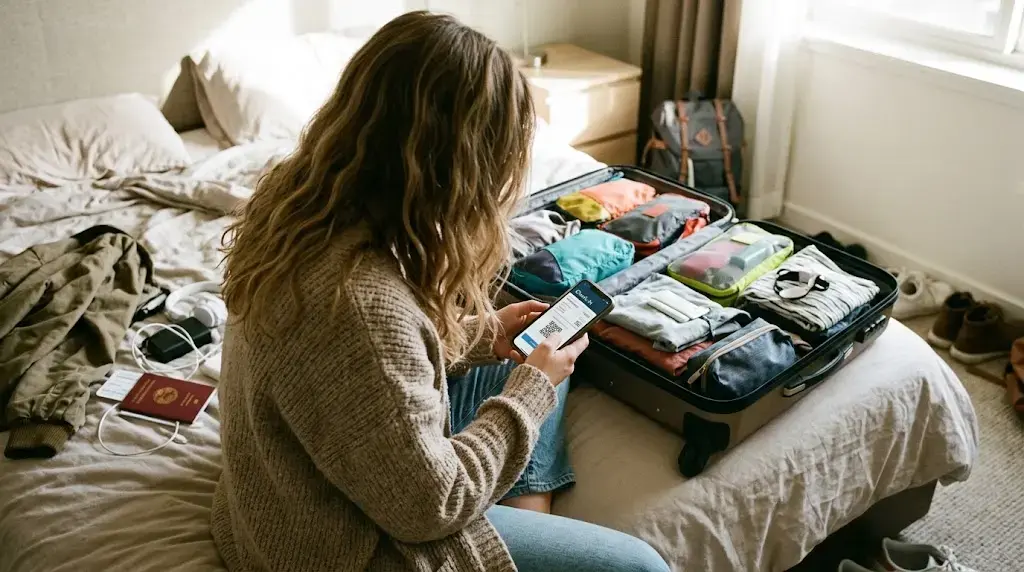
If you booked through eDreams, the easiest way to check in is through the app. Open My Trips and tap ‘Request now’. eDreams checks you in automatically and sends your boarding passes as soon as the airline opens check-in.
This page covers what happens after you book a flight on eDreams, from the button you tap in the app to the moment you scan your boarding pass at the gate. The automatic route covers flights with at 660+ airlines to more than 40,000 destinations, so for most trips one tap in the app is the whole job. The steps below start with the app, then give you the manual route as a fallback. The FAQs deal with the common questions: missing boarding passes, error messages, and when to check in directly with your airline.
How to check in online after booking on eDreams
Automatic check-in only works in the app, so install the eDreams app on iOS or Android and log in with the account you booked with. Booked on a laptop? The trip shows up in the app once you log in.
Pick your trip in My Trips and tap "Request now". You can do this the same day you book, so you don't have to wait for check-in to open.
Your boarding passes arrive shortly after check-in opens, which is normally 24 hours before departure. If your trip uses more than one airline, they come separately, because each airline opens check-in on its own schedule.
If you only have a carry-on, take your boarding pass straight to security. Checking a bag? Drop it at your airline's counter first, then go through.
Read our guide on how to get through airport security even fasterIf the app route isn’t available for your flight, check in on the airline’s own website or app using your airline booking reference (the one in your confirmation email, not your eDreams reference). Most airlines open check-in 24 hours before departure. Some open it earlier, and it usually closes one to two hours before the flight.
What the eDreams app does for you at check-in
Why handing check-in to eDreams pays off
Check-in windows differ by airline, and on a trip with two carriers they open at different times. Once you tap "Request now", eDreams checks in each passenger on each flight as each window opens, then emails you the boarding passes. One request covers the whole itinerary, return leg included, so you never have to look up when an airline opens. The feature is free in the app, and you can request it any time after booking, even months ahead.
Checking in the moment a window opens also gets you an earlier pick of the seats that are still available. For most airlines, the boarding pass goes straight into your phone's wallet, so you have nothing to print and no line to stand in.
Top tip: when you need to deal with the airline directly
If you need to contact your airline directly (to add a bag, upgrade a seat, or sort something out), the code they want is your airline booking reference, not your eDreams reference. The airline won’t recognize the eDreams code. Find your airline reference in your confirmation email or in My Trips.
Flying with two airlines? You’ll have a separate reference for each one. If a full-service airline asks for an e-ticket number rather than a booking reference, you’ll find it in your booking details.
Frequently Asked Questions
Usually not. The exception is when the airline needs to see a document first. Ryanair, for example, can require an airport document check on some routes, and the eDreams app tells you when that applies. Either way, keep your ID within reach, because airlines check it again at boarding.
If your flight is more than 24 hours away, wait. Boarding passes usually arrive within the 24 hours before departure. If check-in has opened and you've given it a little processing time, check your spam folder. Still nothing? Contact eDreams with your booking reference.
This doesn’t happen often, but when it does, it’s usually one of the following:
- The airline’s check-in window hasn’t opened yet.
- One leg of a connecting trip opens check-in later than the other.
- The airline requires an identity check before issuing a boarding pass. Don't worry, the eDreams app will let you know if that applies.
- A small number of routes and airports don’t support advance boarding passes for security reasons. In that case, check in at the airport on the day.
The TSA recommends arriving at least 2 hours before a domestic flight and 3 hours before an international one. Checked bags have their own cutoff, often 45 to 60 minutes before departure, so a bag drop eats into that buffer. On the way home from abroad, some airports run extra security procedures on direct flights to the US, so you may need to arrive earlier still.
Save your boarding pass somewhere you can open it without signal. Compare your bag allowance with what you're actually packing, and add any missing bags before you leave home rather than at the counter. Then turn on notifications in the eDreams app to get real-time flight status updates, so you hear about a delay before you get to the gate.
Yes. One tap in My Trips and eDreams handles check-in for your whole itinerary, boarding passes included. It checks you in the moment each airline’s window opens, so you don’t have to track different schedules across carriers. Your boarding passes land in your phone’s wallet automatically, and push notifications keep you updated on flight status in real time.
If your flight changes after you've tapped "Request now", eDreams updates your booking automatically and re-processes check-in once the new details are confirmed. Your original check-in request doesn't carry over to a different flight, so if the airline reschedules you onto a new service, wait until the updated itinerary shows in My Trips before checking in again. If your flight is canceled, any boarding passes already issued become void -- don't use them at the airport. Open My Trips to see your options, or contact eDreams directly if the updated booking hasn't appeared within a few hours.
Start with the eDreams Help Center, which covers the most common questions about bookings, check-in, baggage, and changes. If you need to speak to someone urgently, eDreams Prime members get 24/7 VIP customer support with an agent typically responding within 120 seconds.
Information in this article was last verified on 2026-11-04 13:49. Details such as prices, measures and dates are subject to change, so always confirm directly with the relevant provider before you travel.
Find your next flight
Search fares on eDreams, then open the app and request your boarding passes the same day you book.
Search Flights