How to check in with easyJet

easyJet check in at a glance
Check in online via the easyJet website or app before you arrive at the airport. If something goes wrong, ground staff may help as a last resort, but only before Bag Drop closes.
Here are some key check-in times to keep in mind:
- Online and app check-in opens: 30 days before departure.
- Online and app check-in closes: 2 hours before departure.
Looking for peace of mind? eDreams can check you in automatically on eligible bookings, meaning your pass will arrive straight to the app.
easyJet updates their policies from time to time. Check the airline's official website or contact easyJet for the latest details before you travel.
easyJet check-in step by step
Discover the three check-in methods right here.
Have your booking reference? Go to Manage Bookings on the website or app.
Select everyone you're checking in and fill in any contact or travel details that are missing. Some routes ask for extra information before you can continue.
Want a specific seat? Pick one for a fee. Skip it and you'll get a free seat, although you might be assigned separately from your travel companions.
Confirm the details for each person and complete the process within the online window shown in the table below. If your trip has more than one flight, check in for each one separately.
Use the app or print it out, as PDFs on your phone might not scan at Security.
Cabin bag only? Head straight to Security. Checking luggage? Go to Bag Drop first. Timing varies by airport.
This is your emergency backup only. Ground staff can help if online check-in failed or your pass is missing, but they're not a check-in service. Get there well before Bag Drop closes.
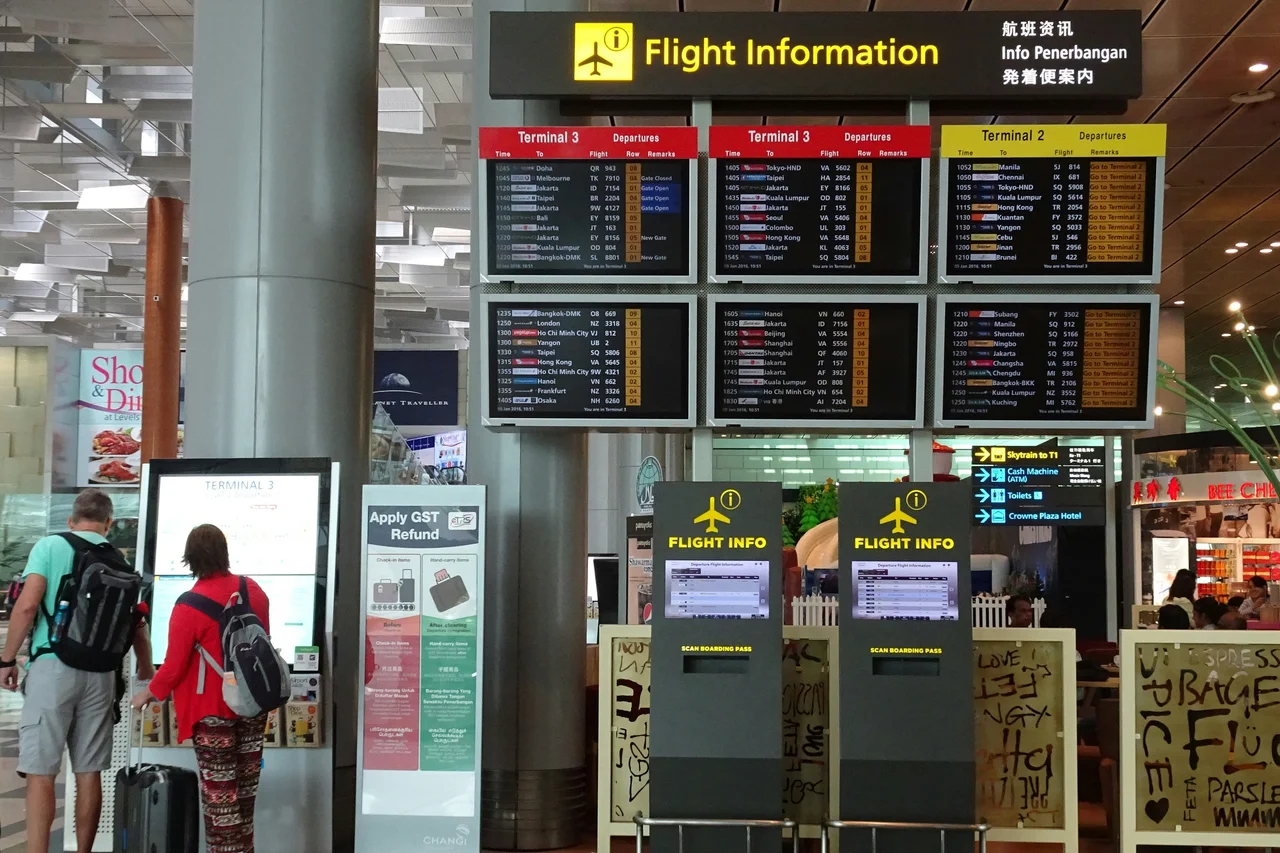
Check the airport screens for your flight, then look for the Bag Drop area. Ground staff may be nearby, but easyJet doesn't operate dedicated check-in desks.
Have your booking reference ready and show the crew any error message you got. A screenshot of the error saves time if the app won't open at the airport.
If you're checking luggage, put it on the scale and keep your receipt. Note that airport luggage fees are always higher than booking it in advance.
Ask the crew to confirm that everyone and every flight on the booking has gone through. This matters if you're traveling as a family or have connecting easyJet flights.
Take the printed pass and head to Security. Double-check the name and flight number are correct before you leave the desk.
Book through eDreams and handle everything in one place. We'll take care of the process for you.
Sign in to the eDreams app and find your easyJet flight under My Trips. Check that everyone on the booking is listed.
Follow the prompt to request automatic check in and fill in whatever details the app asks for. Do this early, so there's time to fix anything missing.
The eDreams app takes over and starts the process as soon as easyJet's window opens. No need to keep reopening the booking to check on it.
Once check in goes through, your boarding pass shows up in the app or arrives through the contact method on your booking. Save it to your phone before you head to the airport.
If automatic check in isn't supported or doesn't go through, the app tells you what to do next. Once you've got your pass, head to Security or Bag Drop as needed.
easyJet check-in deadlines
Online/app check-in is your only standard option. Ground crew help is available only as a last resort.
| Stage | Deadline |
|---|---|
| Online and app check in opens | 30 days before departure |
| Online and app check in closes | 2 hours before departure |
| Emergency ground crew help (backup only) | 40-60 minutes before departure (varies by airport). Available until Bag Drop closes. |
Common easyJet check-in mistakes to avoid
Check in again after booking changes
Changed your booking? Your boarding pass expires. This happens if you switch flights, add luggage, or make any other changes.
Once you've made the change, reopen the booking and check in again if the option appears. Download a fresh boarding pass for each flight affected.
Delete the old pass from your phone or wallet so you don't scan the wrong one at the airport. If you print your pass, swap out the earlier copy in your hand luggage.
Enter your travel details carefully
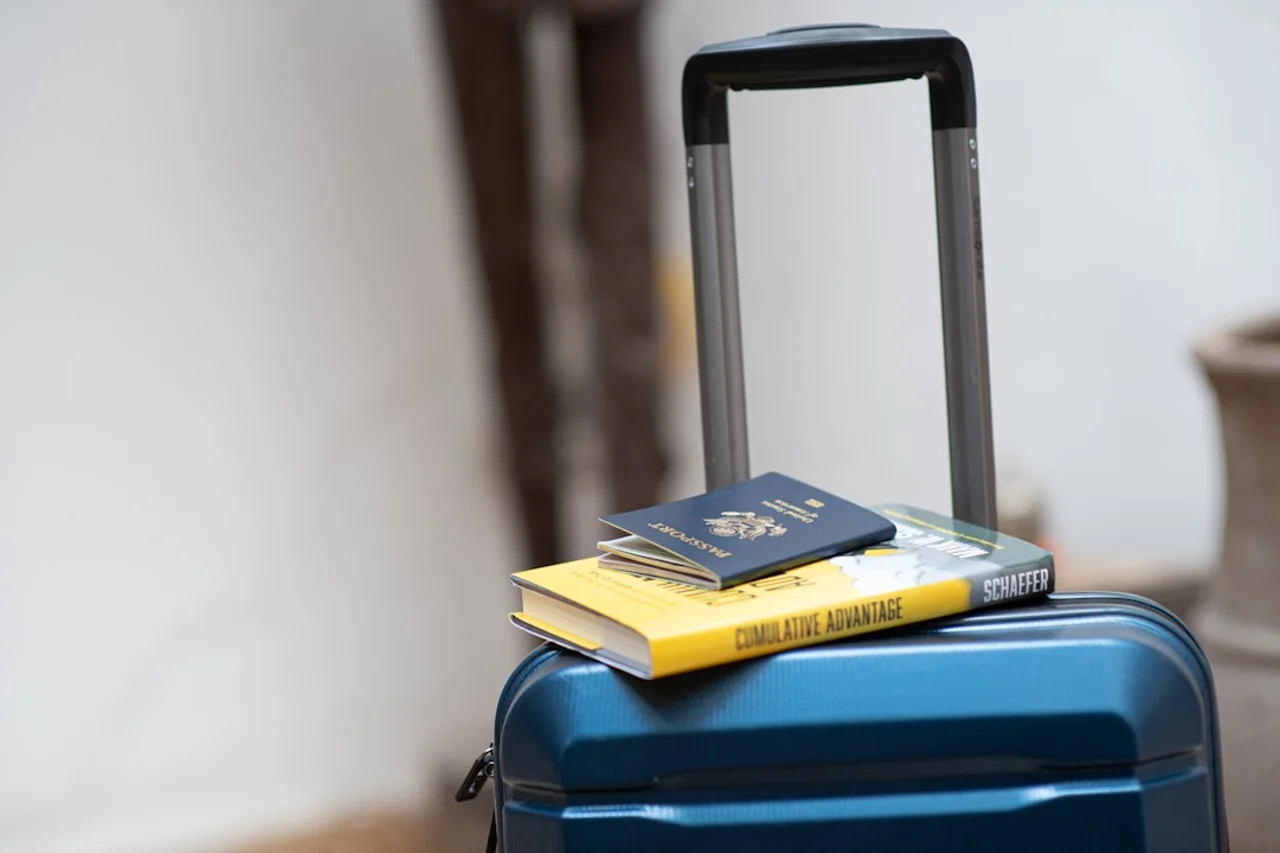
Some routes require Advance Passenger Information (API) before you can finish checking in. You may have to enter your full name, nationality, date of birth and passport or identity card details.
Type it exactly as it appears on your travel document, as typos or mismatches will cause problems at the airport.
Spot a mistake? Edit it in Manage Bookings before checking in. Already checked in? Use the easyJet app or contact the airline to fix it before the online window closes.
easyJet check-in FAQs
No. PDFs and screenshots can fail to scan or won't update. Use the app or print a physical copy.
Yes. Even if you booked multiple easyJet flights on one booking, you'll need to check in for each one separately. When you open your booking, you'll see all your flights listed.
Give it another go and screenshot any error messages. Still no luck? Ask the ground crew before Bag Drop closes.
Not if your departure airport accepts the mobile pass in the easyJet app. Print one if the app doesn't issue a mobile pass or you'd rather have paper.
Yes. An infant on your lap doesn't need a separate pass. One in their own seat does, and you'll need a separate booking. Note: airport staff can help if online check-in doesn't support infants on your route.
No. easyJet doesn't operate traditional check-in desks. You must check in online via the website or app before arriving at the airport. If you haven't checked in and the online window is still open, try using the airport's WiFi to complete it on your phone. If that fails, ground staff can help as a last resort, but only before Bag Drop closes.
Yes, you can choose an available seat for a charge. Skip it and easyJet assigns you a seat for free.
Yes, for eligible bookings. Add the traveler details the eDreams app asks for, and it'll check you in as soon as the airline allows it, or let you know if you need to do it yourself.
Yes, just select each person when you open the booking. Before you finish, check that everyone's included and a boarding pass is ready for each seat.
Retrieve it from the easyJet app or print another copy. Still stuck? Ask the ground crew before Bag Drop closes.
Ready to book an easyJet flight?
Compare easyJet fares and find the flight that works for your plans.
Search easyJet flights